Web写真アルバム「神戸散歩(2)」「大阪散歩(2)」作成。JPEG画像一覧HTMLはPHPで自動生成。
以前作成したWeb写真アルバム「神戸散歩 2017.5 ~ 2019.3」「大阪散歩 2017.6 ~ 2019.3」の続編「神戸散歩(2) 2019.4 ~ 2022.3」「大阪散歩(2) 2019.4 ~ 2022.3」を作成。
神戸散歩(2) 2019.4 ~ 2022.3影付き枠+ビネット効果付き写真サムネイルアルバムok2nd.github.io

大阪散歩(2) 2019.4 ~ 2022.3影付き枠+ビネット効果付き写真サムネイルアルバムok2nd.github.io
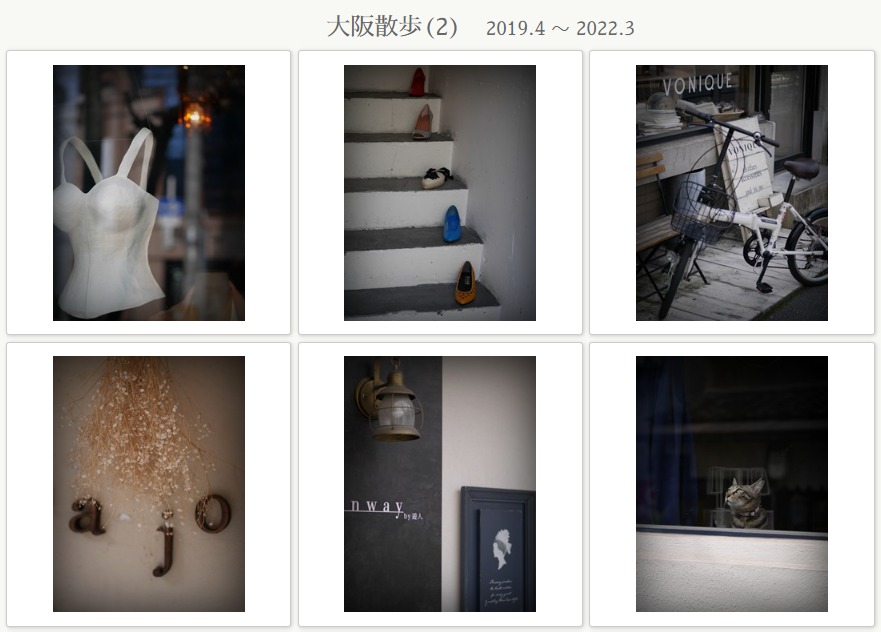
PHPプログラム「thumbnail-create.php」で、自動生成している。 例として、ディレクトリ「kobe2」の下に2つの解像度のJPEG画像を入れておき、
kobe2 > 320
kobe2 > 800

以下のようにディレクトリ「kobe2」を指定してPHPプログラムを開くと、HTMLが自動生成される。
http://localhost/2nd/album/thumbnail-create.php?dir=kobe2
【thumbnail-create.php の PHPプログラム部分抜粋】
<div id="gallery">
<?php
	$cwd = getcwd();
	$dir = $_GET['dir'];
	$open_path = $cwd.'/'.$dir.'/320';
	if ($opendir = @opendir($open_path)) {		// @ : エラー制御演算子 (E_WARNINGを出さないため)
		$files = scandir($open_path);
		natcasesort($files);
		$order = 0;
		foreach ($files as $file) {
			if (!is_dir($open_path.'/'.$file)) {
?>
	<a href="photo.html?photo=<?= $dir ?>/800/<?= $file ?>">
		<div class="box-frame"><div class="vignette"><img src="<?= $dir ?>/320/<?= $file ?>"></div></div>
	</a>
<?php
			}
		}
		closedir($opendir);
	}
?>
</div>


